How to go live with remote guests from a link
Step by step
- 1Send the link early
Send it the day before with the time, how long they’ll be on, and what to use: a laptop with Chrome or Edge, headphones and a quiet room.
- 2Ask for headphones
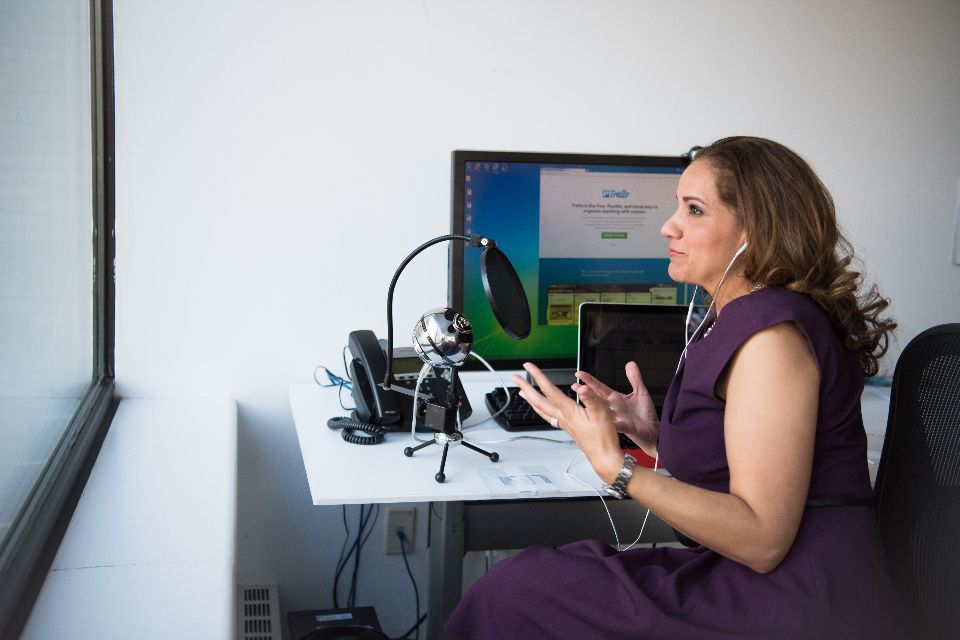
Speakers cause echo when the guest’s microphone picks up the show. Wired earbuds are enough.
- 3Meet them backstage
Have guests join ten minutes early. Check their camera, microphone level and lighting while the audience can’t see them.
- 4Bring them on air
Introduce them with a lower third showing their name and role, then hand over.
- 5Record each person separately
A recording made on each guest’s device stays clean even if their connection stutters during the show.
Help guests look and sound good
- Light in front of them: a window or lamp behind the camera.
- Camera at eye level, on a stack of books if needed.
- Other apps and tabs that use the camera or bandwidth closed.
- The laptop plugged in.
The CloudReel way
Do it in CloudReel
- Copy the guest link from the studio and send it. Guests don’t need an account.
- They type their name, check their camera and microphone, and wait backstage.
- Bring them on stage when you’re ready. Each guest is recorded on their own device and uploaded during the show.
Questions
Do guests need to install anything?
Not with a browser studio. In CloudReel they join from a link, with no account.
What if a guest’s internet drops?
If they’re recorded on their own device, what was already recorded isn’t lost. In CloudReel they rejoin from the same link.