
Live Studio
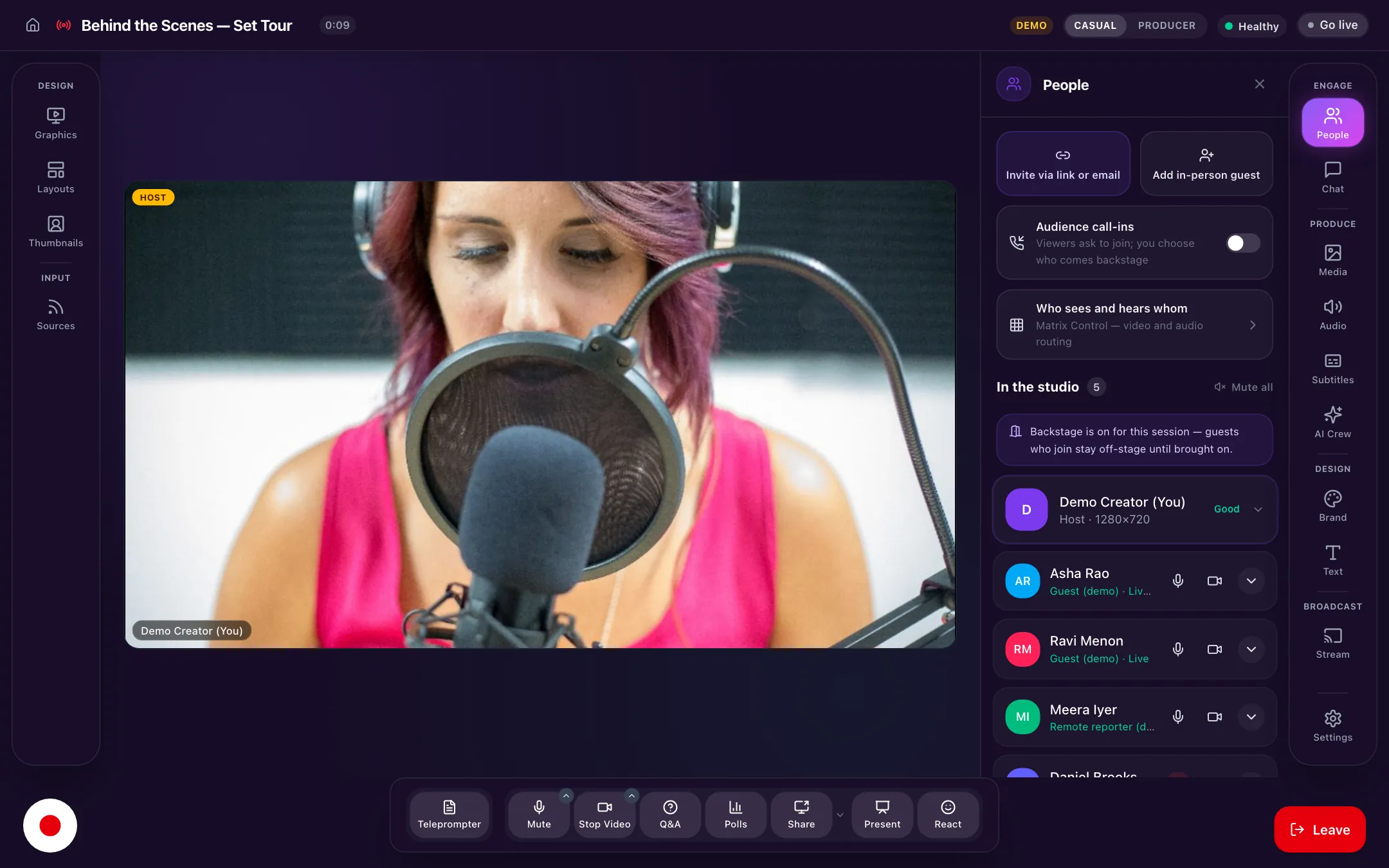
Your control room is abrowser tab.
Guests join from a link. You build each shot in preview and take it live everywhere. No install, no crew.
Runs in Chrome and Edge, nothing to install
How a show runs
Invite. Stage. Take.
- 01
Send a link
Guests open it, check their camera and mic, and wait backstage. No account, no download.
No account needed - 02
Stage it in preview
Pick the layout, bring people up, add a lower third. Nobody sees it until you’re ready.
Preview and program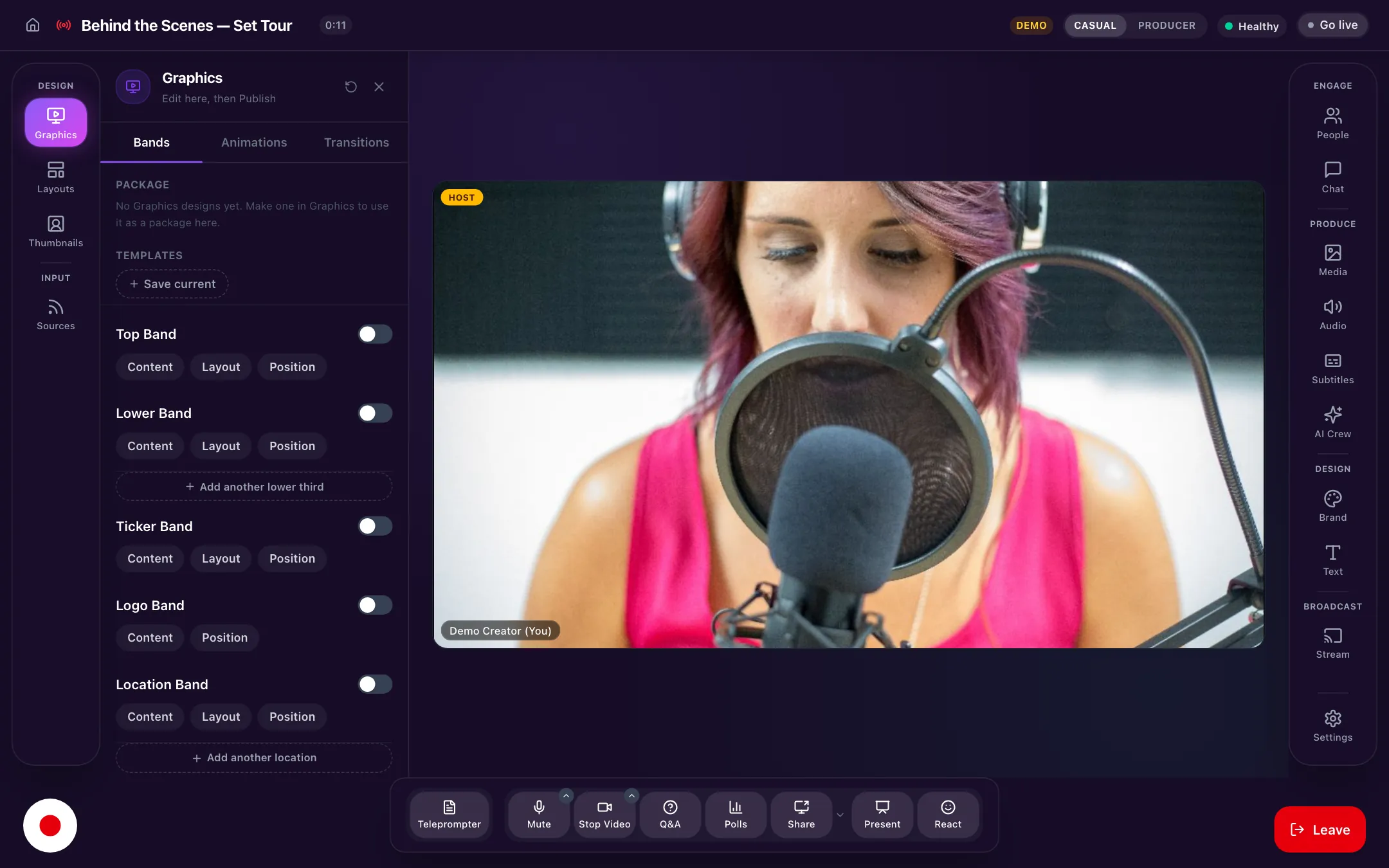
- 03
Take it live
One click and it’s on air, on YouTube, Facebook, Instagram and any RTMP destination at once.
Every platform
Try it here
Have a go with Live Studio.
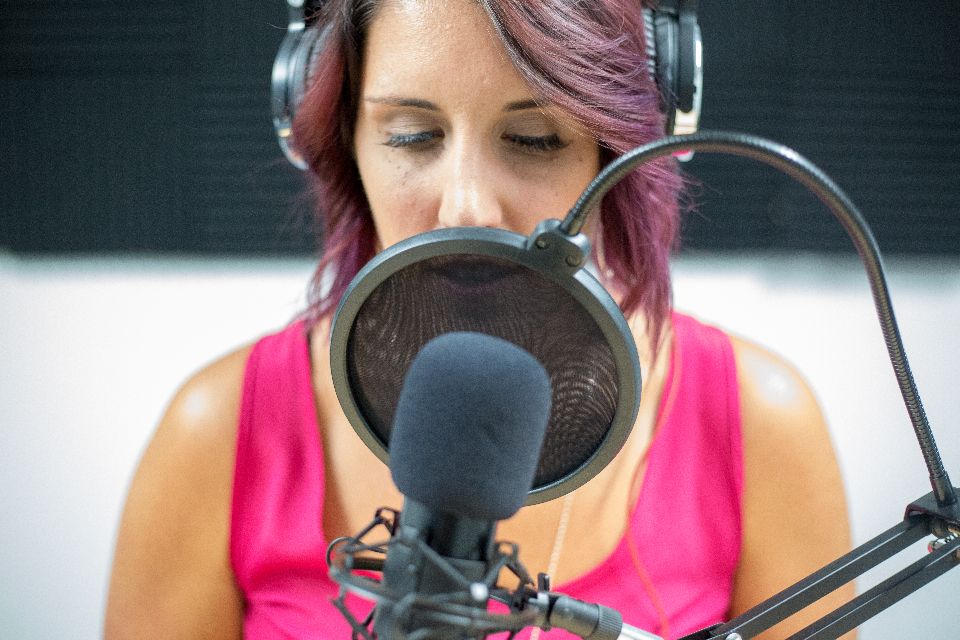
A working model of the real thing. Click around: nothing is sent, nothing is saved.
 YouYou
3 destinations · healthy
Try it: bring a guest on, pick a layout, then Take.

The details
Live Studio, in detail.
What it does today. If you need something that isn’t here, ask us.
- Sources
- Guests by link, phone via QR code, RTMP, SRT, HLS, video, audio and images
- Layouts
- Solo, split, grid and your own custom layouts
- On screen
- Lower thirds, polls, questions, comments, logo, live subtitles
- Roles
- Host, Producer and Guest
- Tools
- Teleprompter, rundown, audio mixer, media board, background blur
- Recording
- A recording per person, on their own device, plus the program
- Health
- A live check for every guest and destination
- AI crew
- An AI Director that follows the speaker, live highlights, noise suppression
- Destinations
- YouTube, Facebook, Instagram and custom RTMP
- At once
- 1 destination on Free, up to 5 on Growth
When you go off air
The show keeps working.
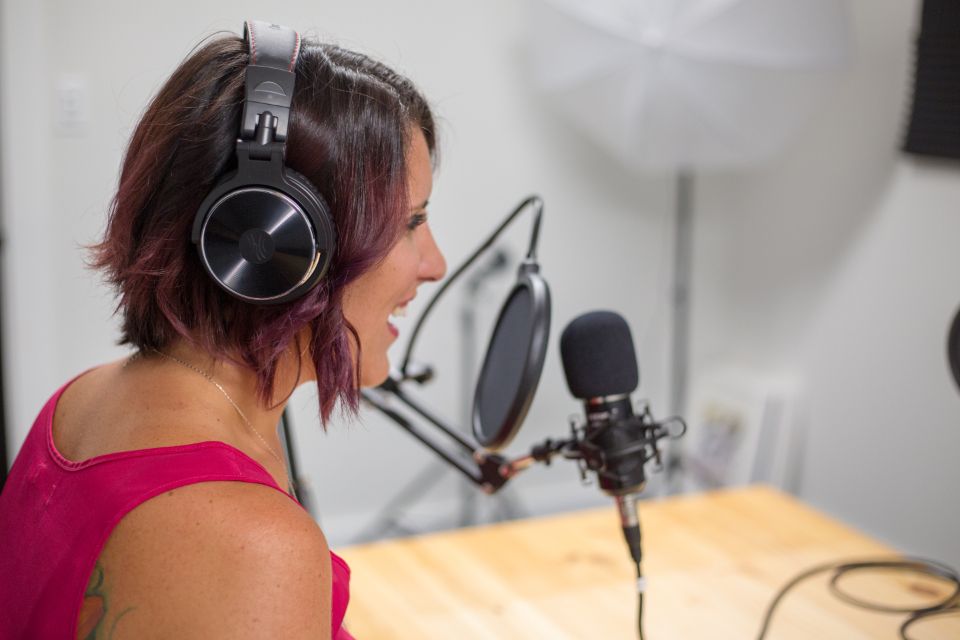
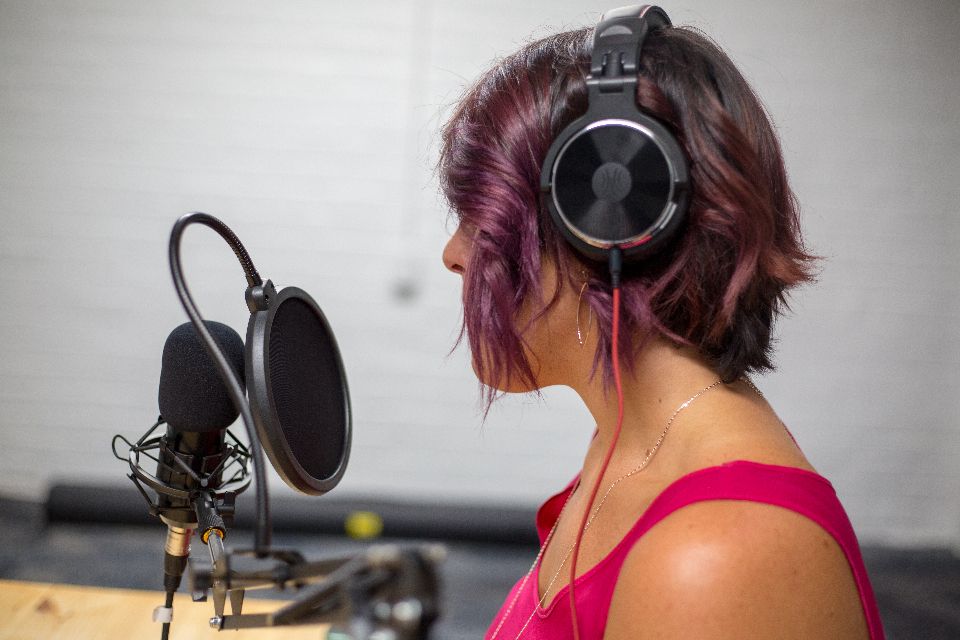
The full program and a recording per person land in your library, and the best moments are already turning into captioned clips.
 The guest’s best answer
 Chat’s favourite moment
FAQ
Questions, answered.
All questionsTalk to the team that builds CloudReel. We reply within one business day.
Talk to usWhat is Live Studio?
Live Studio is a browser-based production studio. Guests join from a link, you build each shot in preview and take it live to YouTube, Facebook, Instagram or any RTMP destination, and every person is recorded on their own device.
What does it cost?
Live Studio is free to start, and going live and recording never use credits. Free streams to one destination at a time; Growth ($49 a month) streams to up to five.
Do I need hardware?
No. A laptop with Chrome or Edge is enough. Field crews can add encoders or bonded units.
Do guests need an account?
No. They open your link, type their name, check their devices and wait backstage.
Can I record and stream at the same time?
Yes, from the same room.
Can I stream vertical and wide at once?
Yes. Pick a shape for each destination when you go live: 16:9 for YouTube and Facebook, 9:16 for Instagram and phones. The vertical version keeps the speaker in frame. To confirm: confirm two-shape streaming at launch
What do I get when the show ends?
The full program, a separate recording of each person, a transcript and AI clips, all in your library. A “Session saved” window shows where it is and what to do next: clips, a vertical version, captions, new languages, posts or a channel.
Can I use my phone as a camera?
Yes. Scan a QR code from the studio and your phone joins as another angle.
Is there a teleprompter?
Yes. Your script and rundown live inside the studio.



Run your next show from a tab.
Guests join from a link. Nothing to install, nothing to rig.
No card needed. Free plan includes 75 credits.