How to run a live video podcast
The gear you actually need
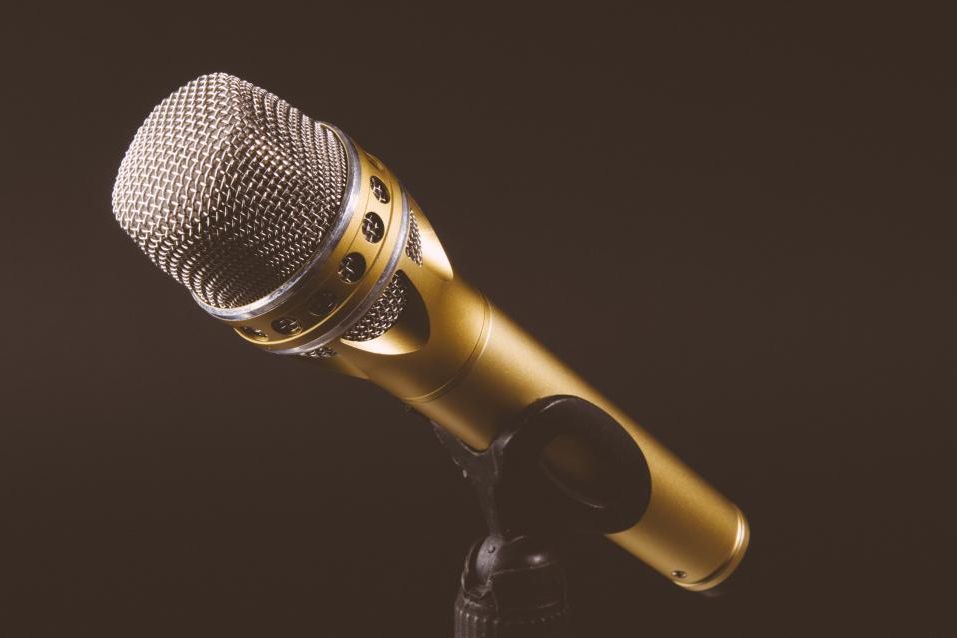
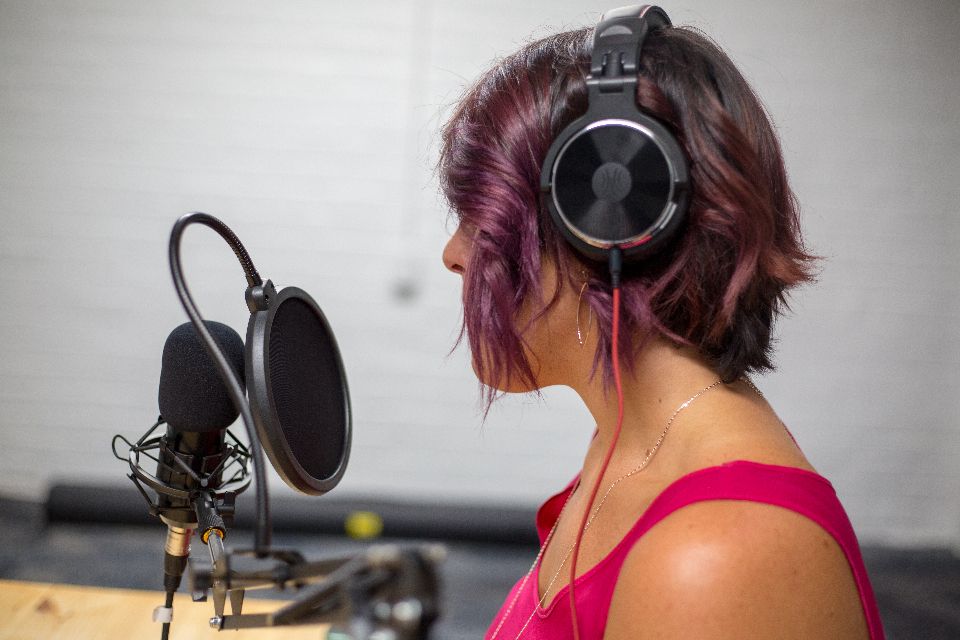
- A USB or XLR microphone. Sound matters more than video.
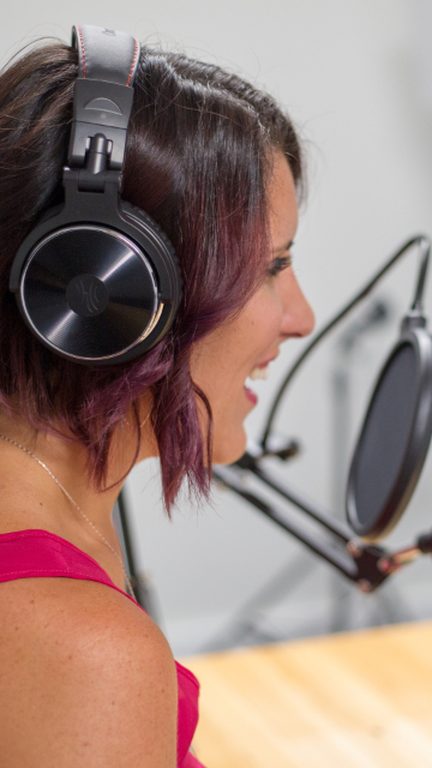
- Headphones for everyone.
- A webcam or phone camera at eye level.
- A light in front of you.
A simple run sheet
- 1Cold open, 1 minute
The best line of the episode, then the title.
- 2Intro, 2 minutes
Who you are, who the guest is, and what people will get from this episode.
- 3Segments, 10 to 15 minutes each
One question per segment, with a lower third showing the topic.
- 4Audience questions
Put a question from chat on screen and answer it.
- 5Close
What’s on next week, and where to find the clips.
Make the episode work all week
A live podcast is one hour, once. Clips, a newsletter and a few posts made from it keep it working until the next episode.
The CloudReel way
Do it in CloudReel
- Go live with guests from a link, with your layout, logo and lower thirds.
- Stream to YouTube and other RTMP destinations at once.
- After the show, CloudReel drafts ranked clips, captions and posts from the episode for you to approve.
Questions
Should a podcast be live or recorded?
Live builds a habit and lets the audience take part; recorded gives you more control. Many shows go live and publish the recording as the episode.
How long should a live podcast be?
As long as the format needs, usually 45 to 90 minutes. A regular slot matters more than the length.