
Control room
A broadcast control room.In a browser.
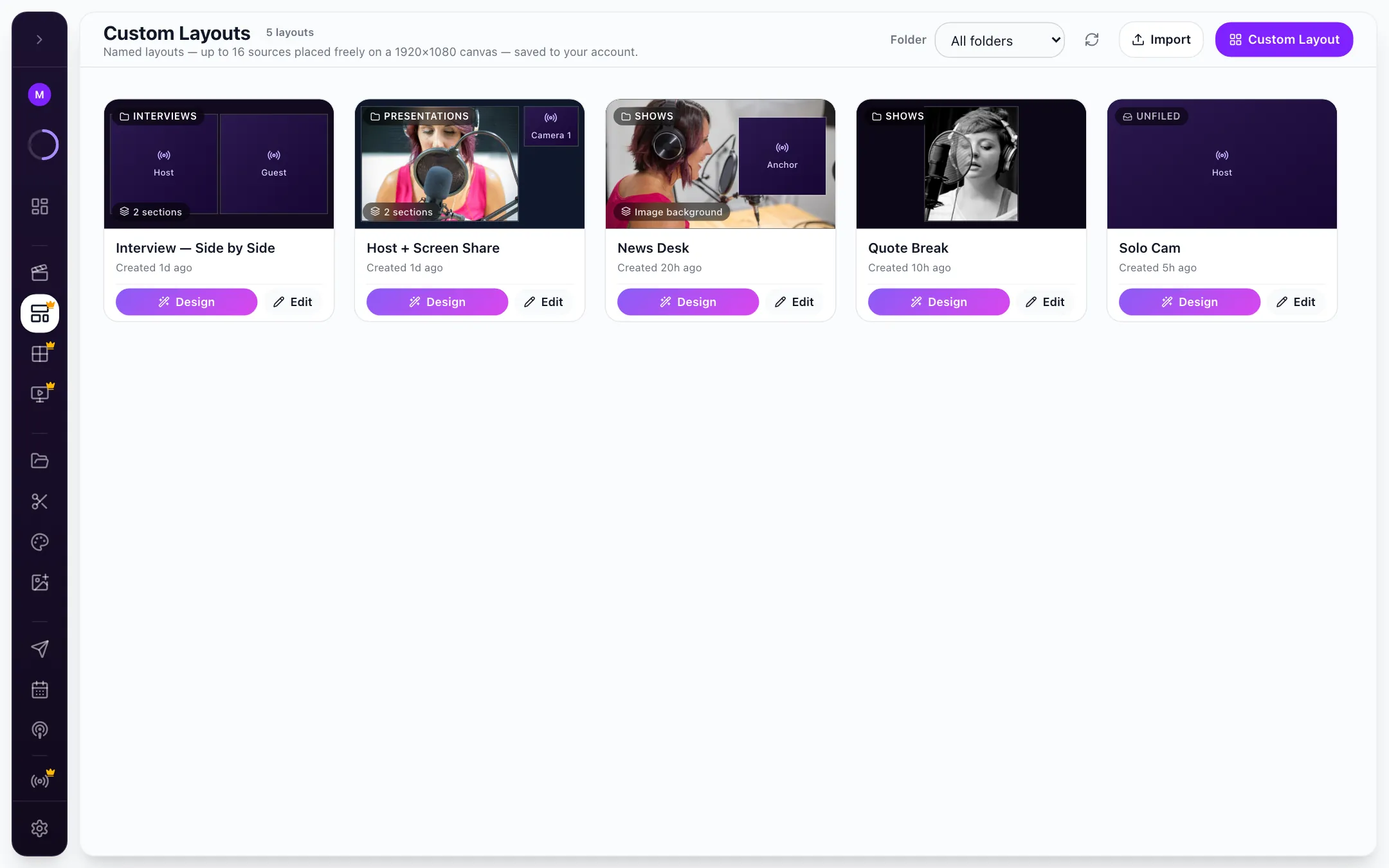
Every source on one screen, preview and master side by side, and a TAKE button. Or let the AI Director cut for you.
On the Teams & broadcasters plan
How it works
See it all. Stage it. Take it.
- 01
See every source
Studio cameras, field feeds over SRT, RTMP encoders, guests from a link and phones from a QR code, all on one multiviewer.
Multiviewer - 02
Let it cut, or cut yourself
Stage the next shot in Preview and hit TAKE, or switch on the AI Director to follow whoever is speaking.
AI Director - 03
Share the room
A director, a graphics operator and an audio operator, each in their own browser. Request access, or take over when it matters.
Multi-operator
Try it here
Have a go with Control room.
A working model of the real thing. Click around: nothing is sent, nothing is saved.
 AnchorStudio cam
Try it: click a source into Preview, then TAKE.
Who it’s for
Built for the show you run.


The details
Control room, in detail.
What it does today. If you need something that isn’t here, ask us.
- Buses
- Preview and master, with TAKE
- Monitoring
- Multiviewer of every source in the event
- Layouts
- Custom Layouts builder with folders
- Automation
- AI Director follows the active speaker (host and producer only)
- Operators
- Request access or force access to a control
- Tablet
- iPad view with auto-switch and voice control
- Control
- Q-deck and matrix control
When the show ends
Every source is recorded on its own.
The master and every input land in your library, ready for clips, captions and posts.
FAQ
Questions, answered.
All questionsTalk to the team that builds CloudReel. We reply within one business day.
Talk to usWhat is the Control room?
The Control room turns Live Studio into a broadcast gallery: a multiviewer of every source, preview and master buses with a TAKE button, custom layouts, an AI Director and several operators working the same show from their own browsers.
Do I need hardware?
No. The control room runs in Chrome or Edge. Field crews can still send SRT or RTMP from encoders and bonded units.
Can more than one person run the show?
Yes. Operators join from their own browsers. They can request access to a control, or take it over when it matters.
What does the AI Director do?
It switches to whoever is speaking, so a small team can run a multi-camera show. Turn it off to cut by hand.
Which plan includes it?
The control room, Multiviewer, Custom Layouts and Graphics Studio are on the Teams & broadcasters plan. Talk to us to set it up.





Run your next broadcast from a browser.
Preview, master, every source and every operator, in one tab.
No card needed. Free plan includes 75 credits.